Before you start
- An email address, to create an account.
- A way to pay. OpenRouter takes the cost of what TAKT uses from credits you buy in advance. Its FAQ says new accounts get a small free allowance for testing. For building, plan to add credits.
- Your account needs a few dollars of credit before the key works. Add it on the Credits page.
Get your key
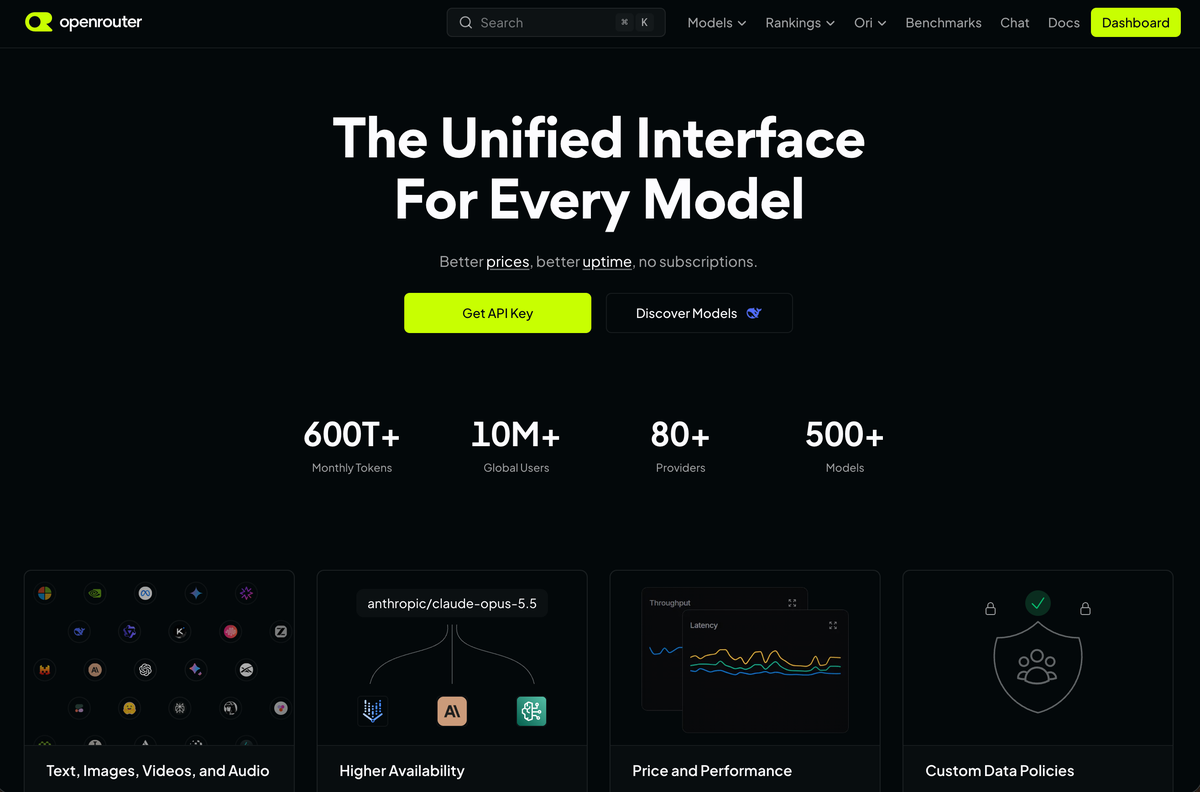
Open openrouter.ai and click Get API Key.
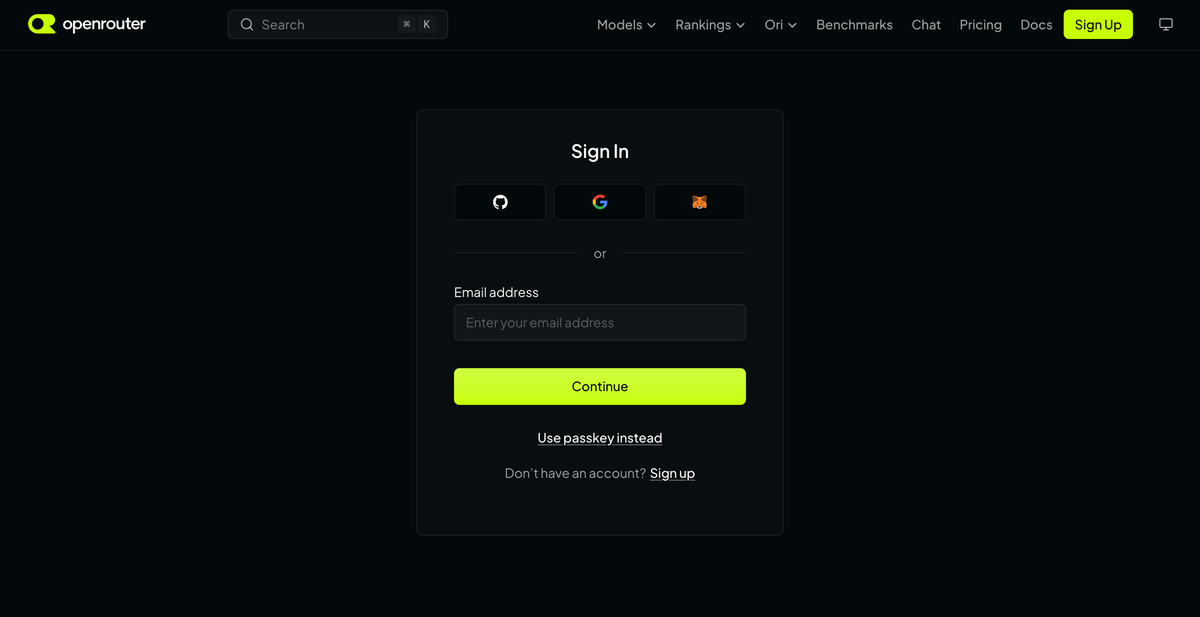
Sign in with GitHub, Google or MetaMask, or enter your email address and click Continue. If you have no account yet, click Sign up.
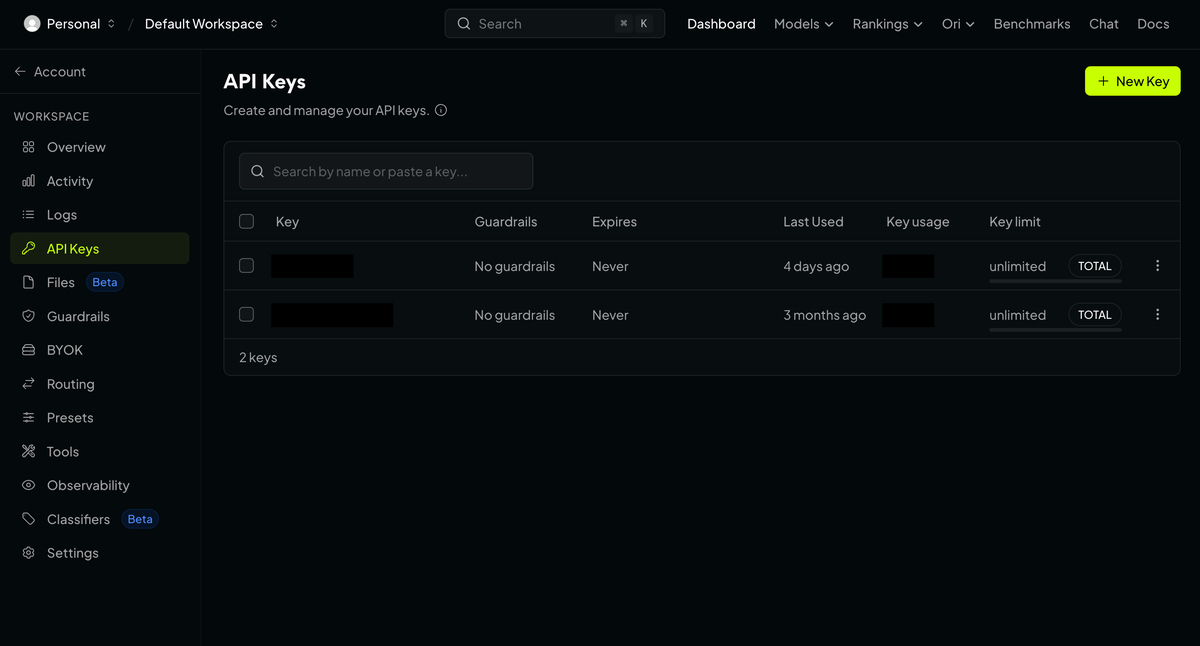
On the API Keys page, click New Key.
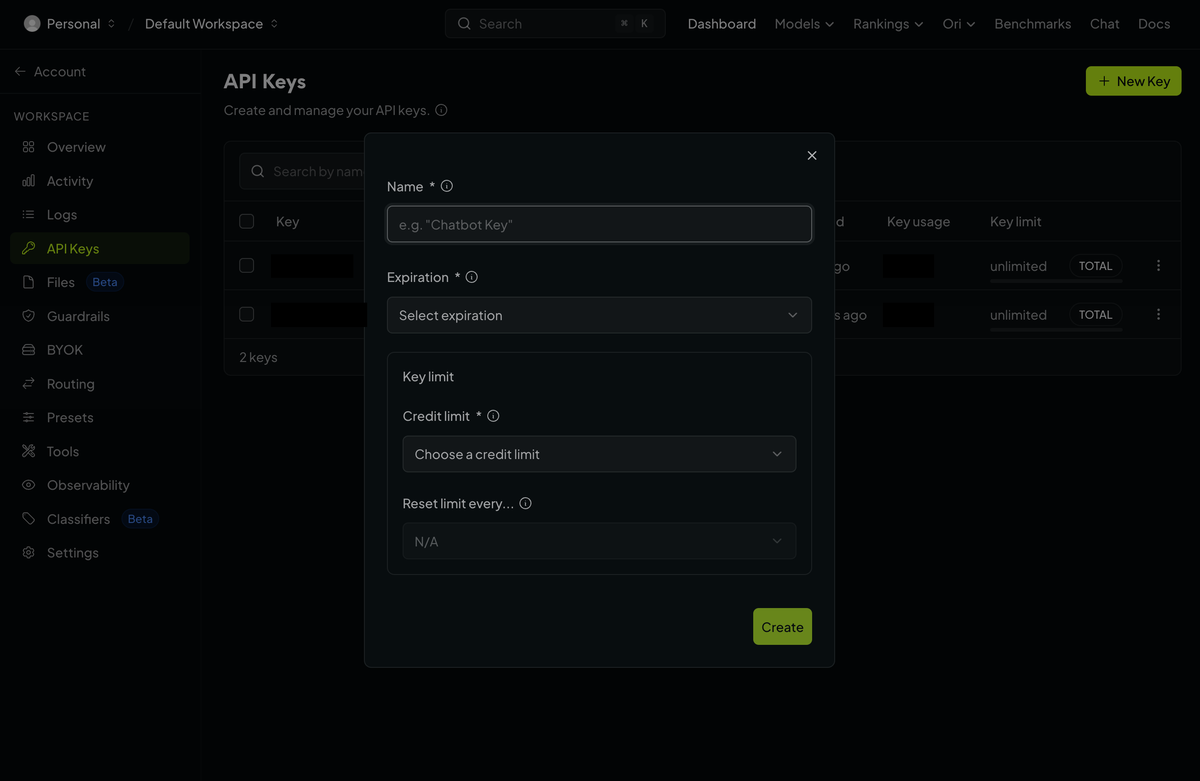
Type a Name, choose an Expiration, and choose a Credit limit: the most this key can ever spend. Then click Create.
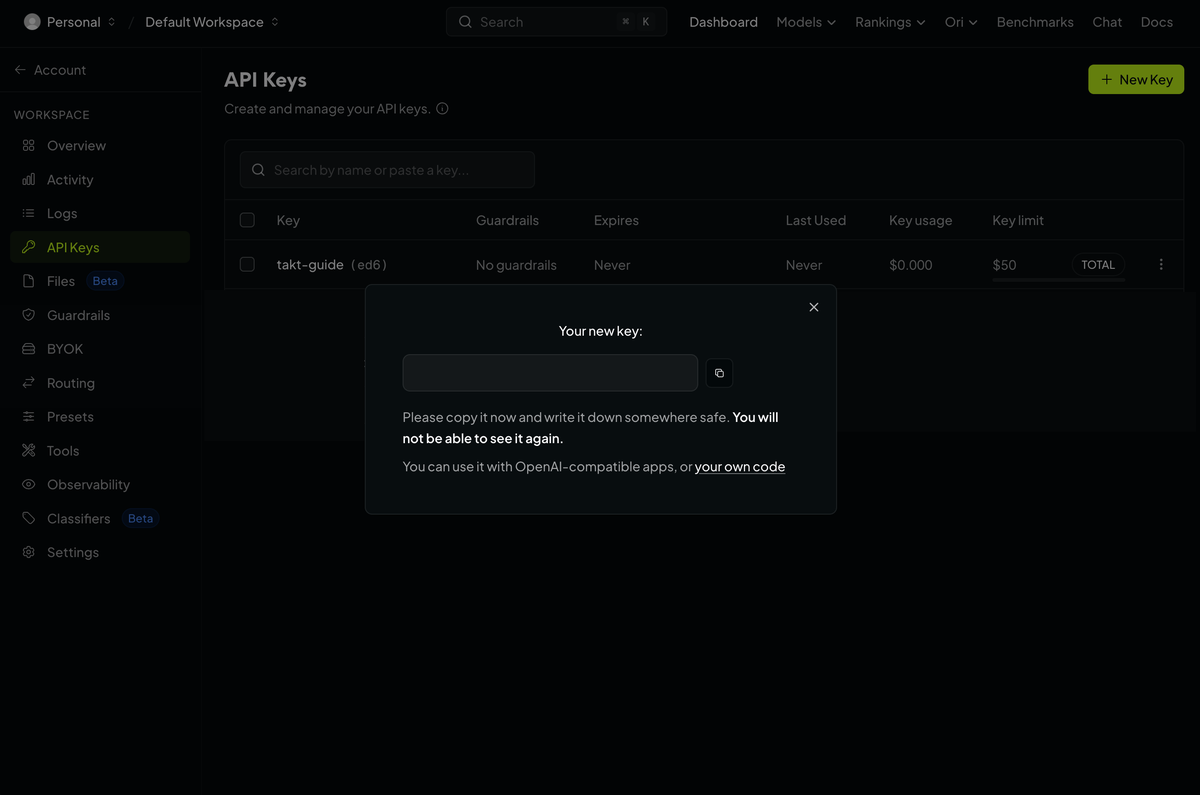
Click the copy button next to your new key. OpenRouter says you will not be able to see it again, so copy it now.
Paste it into TAKT
Go back to TAKT. On the Set up screen, click Add key on the OpenRouter card. Paste your key into the box marked Paste your OpenRouter key, then click Check and save. The button shows Checking… while TAKT tests the key. When it works, you see ✓ Connected.
Keep it safe
- Treat the key like a password. Anyone who has it can spend your credits. If you think someone else has seen it, replace it straight away with a new key. OpenRouter calls this rotating the key.
- OpenRouter shows the full key only once. If you lose it, you cannot see it again, so make a new one instead.
- Keep a credit limit on the key. OpenRouter recommends one on every key, so a key that leaks cannot spend your whole balance.
What it costs
You pay OpenRouter directly, at its prices, and TAKT adds nothing on top. OpenRouter passes on each model's price and charges a fee when you buy credits. That fee is OpenRouter's own, not TAKT's. The fee is on its pricing page, and each model's price is on its models page.
If it does not work
- No credits yet. Add some on the Credits page, then try again.
- The key has used up its credit limit. OpenRouter turns its requests away until you raise the limit on the key's page.
- Part of the key is missing, or it was deleted. You cannot see the key again, so make a new one on the API Keys page and copy it with the copy button.
Last checked: 11 October 2026, against these OpenRouter pages:
- openrouter.ai/docs/faq
- openrouter.ai/docs/api-reference/authentication
- openrouter.ai/pricing
- The OpenRouter screens, as shown in the screenshots, 16 October 2026